Apple’s marketing chief, Greg Joswiak, said more than 200,000 apps are now optimized for iPhone Duo. That’s about double the “well over 100,000” apps Apple counted on November 6th, just 10 days earlier.
The jump matters because apps that don’t fill the inner screen were the catch in early reviews. In its review, Wired found that several apps still opened as a phone-sized window between thick black bars. Joswiak shared the new count in an X post.
What “optimized” means on iPhone Duo
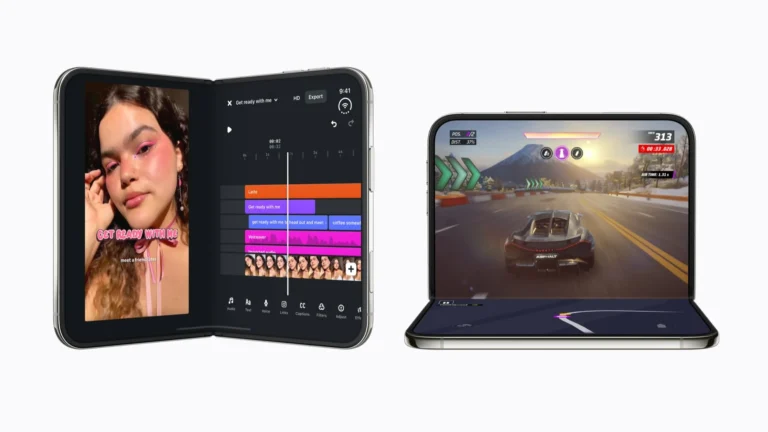
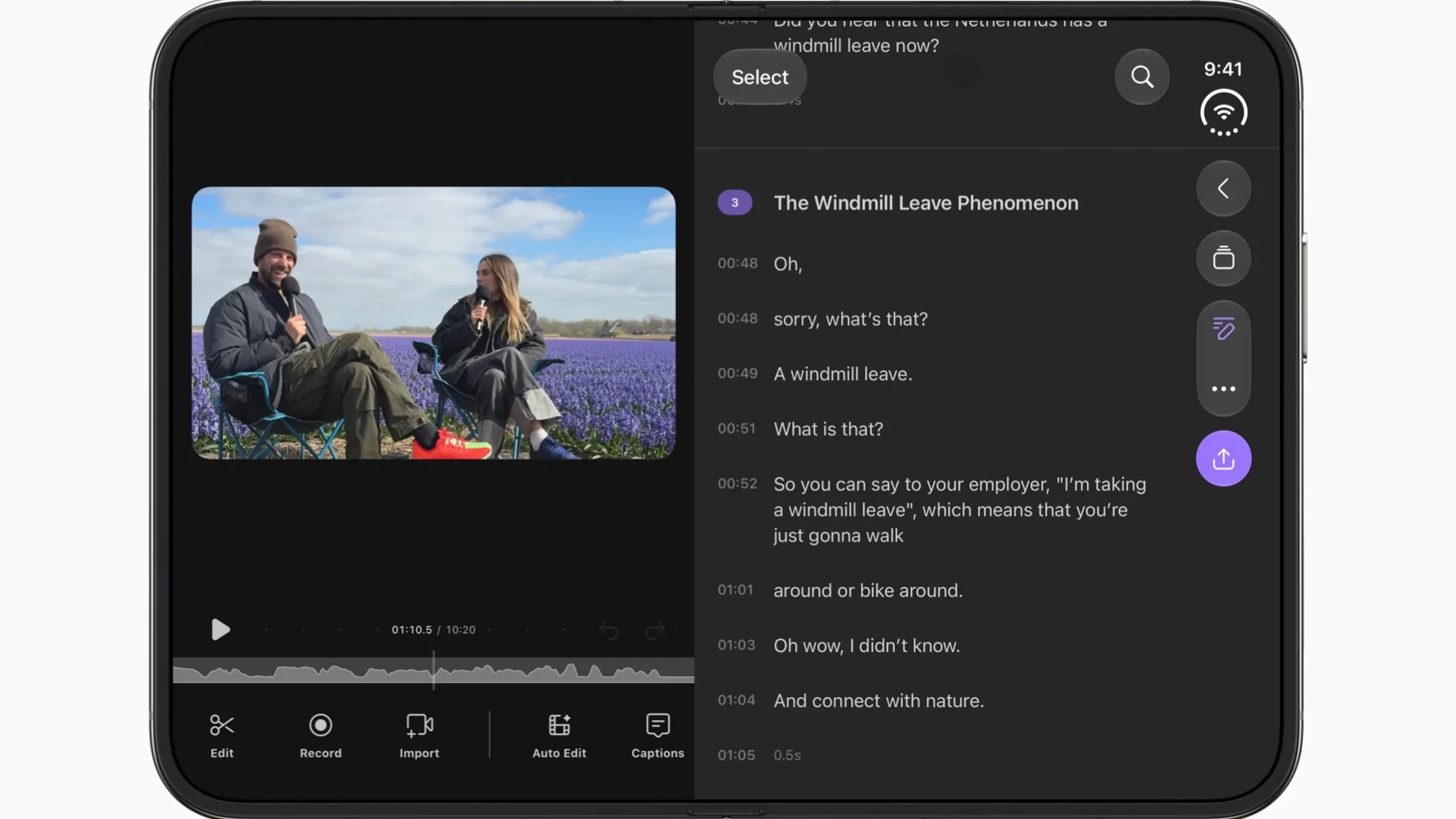
Apple’s developer page says apps built with the iOS 27.1 SDK or later are optimized for iPhone Duo. On the Duo, the status bar runs down the right edge of the screen. Optimized apps fill the whole display, and their toolbars and tab bars run vertically under the status bar. That goes for both the outer and inner screens.
What older apps look like
Apps that haven’t been rebuilt still run, just not as well. Those built with the iOS 27 SDK fill most of the inner display, but they still stop short of the status bar.
Apps built with the iOS 26 SDK or earlier don’t adapt to every layout. When the Duo is open, they sit in the middle of the display with empty space around them. When it’s closed, the outer display shows them to the left of the status bar and camera.
How apps get optimized
In an October post on its Newsroom, Apple said developers can easily adapt their apps for iPhone Duo with the iOS 27.1 SDK. Once rebuilt with it, apps that use Apple’s standard SwiftUI and UIKit parts adapt to each display on their own. Controls move to the side within easy reach, and the app spreads into multiple columns on the inner screen. Buttons also shift away from the fold when the Duo is partly folded.
Apple’s earlier count came with a quote from Susan Prescott, its vice president of Worldwide Developer Relations. She said that “thousands of optimized apps are being added to the store each day.” We think that easy switch is a big reason the count doubled so fast.
Optimized apps also get a Made for iPhone Duo badge on their App Store product pages. If you have an iPhone Duo, look for that badge before you download an app.