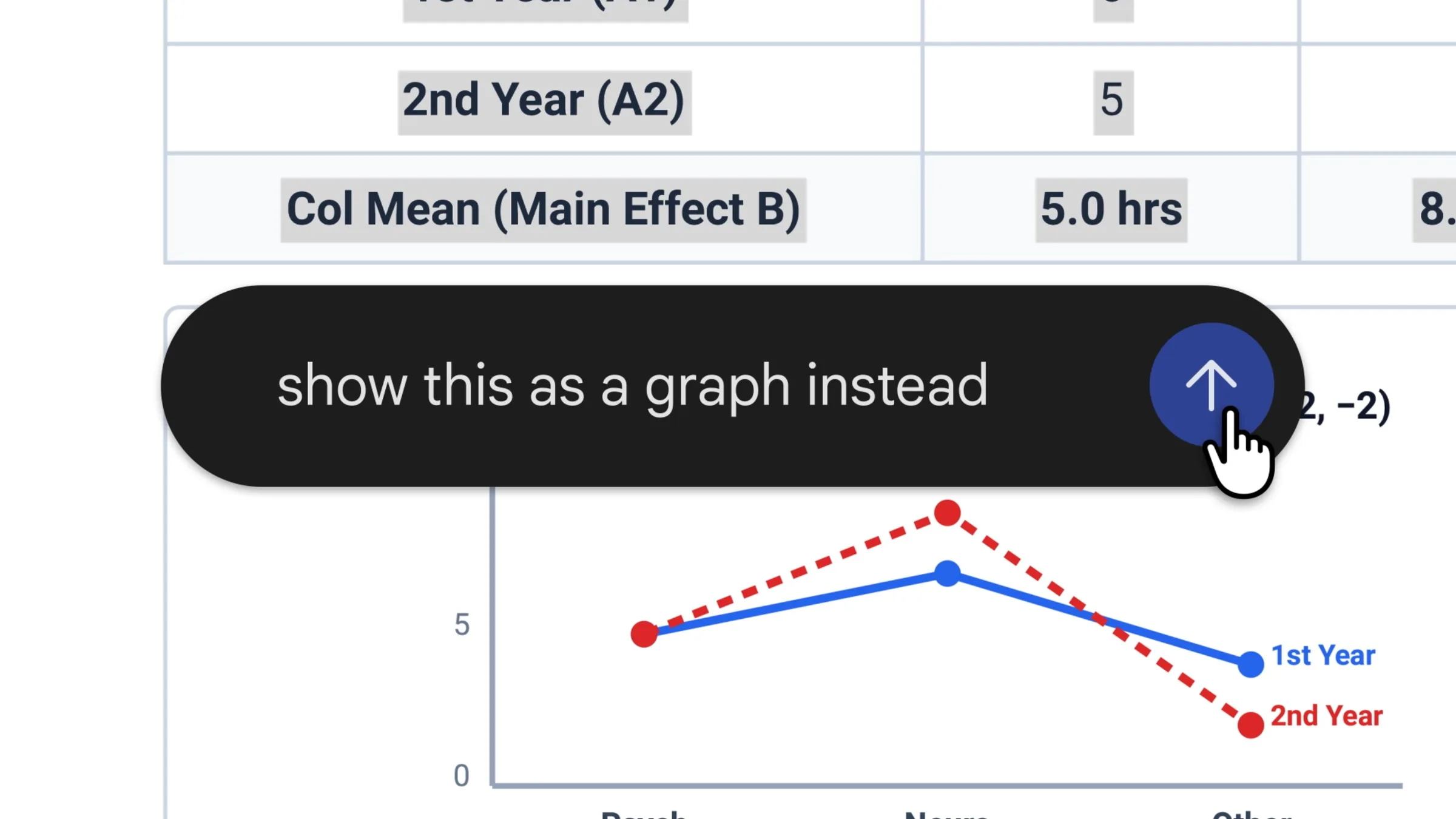
Gemini now lets you preview and edit the files it makes without leaving the chat. You can expand a file to full screen to type changes yourself, highlight text to ask about it, or have Gemini refine it, Google announced.
Since April, Gemini has been able to turn a prompt into a file, from PDFs to Word documents and Google Sheets, most of them ready to download or export to Drive. Now that file opens in the conversation itself, and you can keep working on it there.
Google’s example starts with handwritten lecture notes uploaded to the chat. Gemini turns them into a PDF study guide, and from there you can fix it by hand, highlight a section for Gemini to change its text or visuals, or ask follow-up questions.
PDFs are the only format you can preview and edit on both the web and mobile. Google Docs, Google Sheets, slide decks, Markdown, TXT and code files work on the web only, so on your phone, you get the PDF editor and nothing else.
File editing is available now to all Gemini app users, in every language the app is available in.
Canvas, Gemini’s space for documents and code, launched in March 2025 with highlight-a-paragraph rewrites. We’d call this the more useful version: most AI-made documents need a human pass anyway, and now that pass can happen where the file was made.