Epic Games has a new Epic Games Launcher, out now in Preview for Windows, macOS and, for the first time, Linux. Epic’s announcement opens with “Programming is hard,” then goes straight to saying they vibe coded a launcher that’s “way faster and more responsive than the current one.”
Epic doesn’t say which AI tools it actually used or how much of the code they wrote. That’s a breezy pitch for the app that holds your game library and sells you games. Epic also admits this first release is light on features, “a speedboat and not a yacht,” though it does have “advanced digital commerce technology such as a shopping cart.”
Epic’s Preview site aims its speed numbers squarely at Steam. In October tests by Keywords Studios, which Epic commissioned, the new launcher cold-started in 5.47 seconds to Steam’s 10.07, about 1.8 times faster, though the average leaves out the three lowest-end machines tested. Epic also says it opens the Store three times faster than Steam and gets from the background to your library in 0.36 seconds, against 0.42.
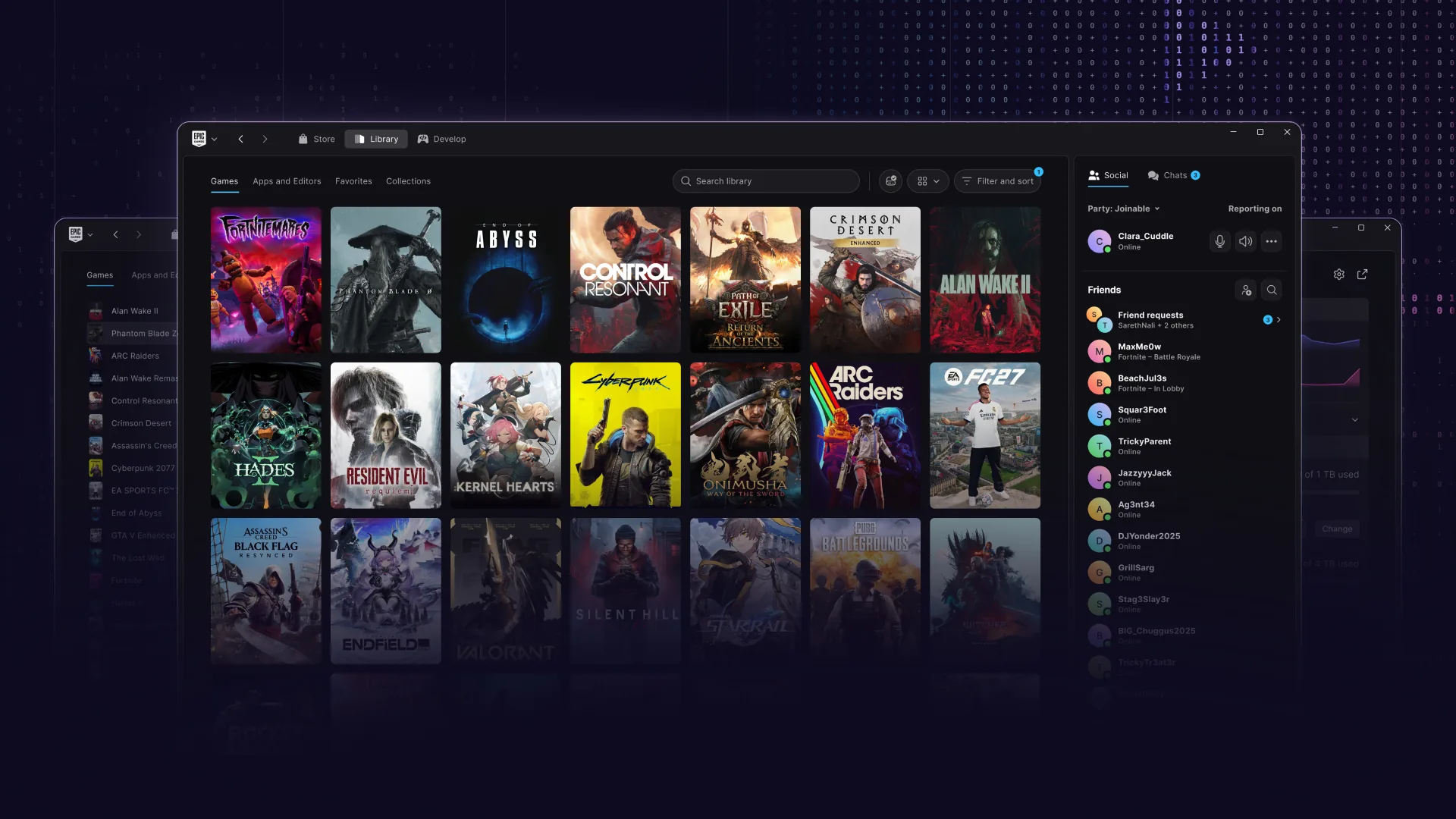
The Store, Library and Develop tabs now share one frame. Every game gets its own page with its status, activity and play controls, and the downloads screen shows download, read and write speeds.
On Linux, the launcher runs natively on Ubuntu 22.04 LTS or newer, Fedora 43 or newer and Debian 12 or newer. Epic warns that many games are Windows-only builds and may need a compatibility layer. So a native launcher doesn’t make your library native.
Fortnite itself has to wait. Epic says it’s rebuilding Easy Anti-Cheat and working with distro maintainers on security requirements, and once that works with “a critical mass” of them, Fortnite comes to Linux through the launcher. The anti-cheat improvements will go to other developers, too.
Your purchases, installed games, cloud saves and progress carry over to the Preview. Some social features and account management options aren’t in yet, and on a Mac it needs Apple Silicon. But you can use it now if you want to – and installing the Preview uninstalls the legacy launcher automatically.